See below for how to clone a certificate profile and create a new custom one.
To create a certificate profile
Open the following URL in a Web browser.
https://<hostname>/v2/Where
<hostname>is the IP address or domain name selected in General.- Log in to the Certificate Authority user interface as a user with the Owners or CA Administrators roles on a partition.
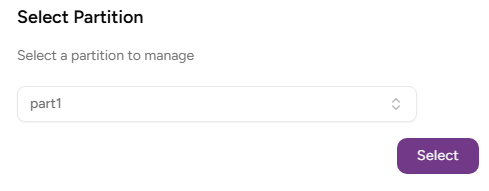
- Select the partition on which to manage certificate authorities and certificates.
Click Certificate Authorities in the sidebar and select the Certificate Profiles Admin tab.
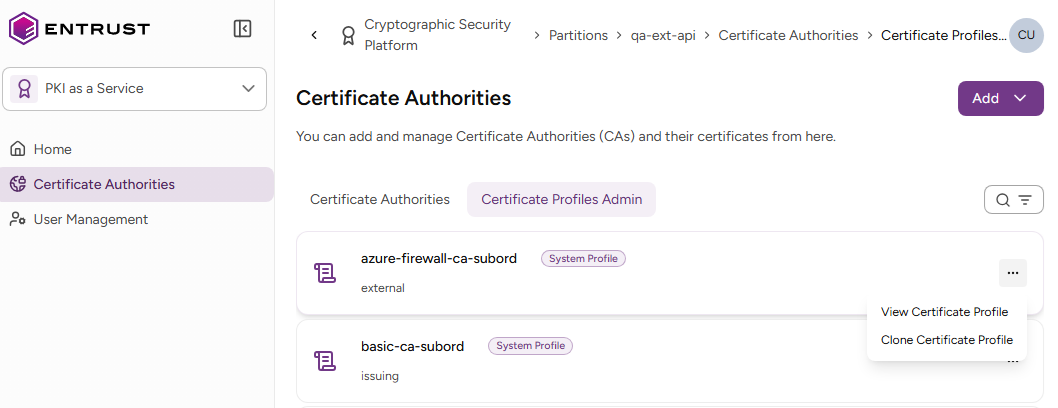
- Select the three dots (…) to the right of the profile you want to use as a template.
- Select Clone Certificate Profile.
In the Clone Certificate Profile form, edit the certificate profile fields described in docs.pkiaas.entrust.com/profiles/browse/fields. You can:
Fill in the UI fields.
Toggle the Modify Technical Specification switch and edit the profile JSON specification.
Click Clone to complete the profile creation.