When you log into the Cryptographic Security Platform Vault VM console as htadmin, Cryptographic Security Platform Vault displays the Entrust Cryptographic Security Platform Vault System Console. This menu lets you configure the local Cryptographic Security Platform Vault server. In general, the changes you make here do not apply to any other Cryptographic Security Platform Vault node in the cluster.
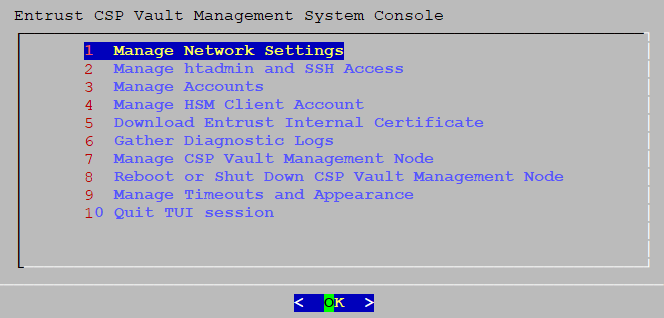
The menu is a TUI (Text-based User Interface). You navigate through the TUI using the Tab key to move between fields and pressing Enter when the correct choice is highlighted. If the TUI screen has numbers at the start of the line, you can also press the corresponding number key and then press Enter to navigate through the menus.
In the screenshot above, pressing Enter goes to the Manage Network Settings screen of the TUI.
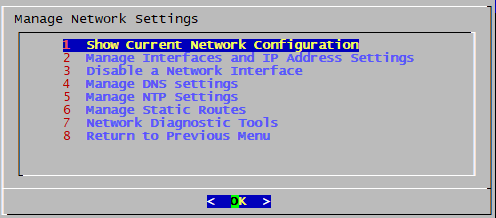
To return to the main Entrust Cryptographic Security Platform Vault System Console screen, press Esc (Escape). Based on where you are in the menus, you may need to press Esc several times.
For more information, see Using the Entrust CSP Vault System Console.